Login
Problems?
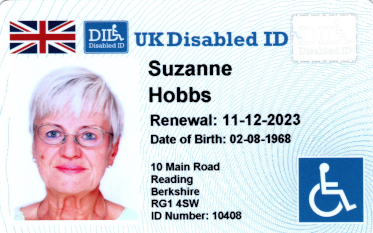
- If your DID Card was due for renewal more than 3 months ago your details may have been deleted due to Data Protection. You would need to chose Renewal from the How did you hear about us? drop down box on the application form.
- If you do not receive your password, please email us at admin@did-card.co.uk or Contact Us with the unique ID on your current DID Card, Name and renewal date.
- Any other problems, please email us
Online Renewal Process
- Login with your email and password. You can request a new password if required.
- Renewal options should be shown.
- Edit any of the details as required by ticking the relevant box and changing below.
- Upload a new photo, if required. Make sure your photo is just of the head and shoulders against a white background and clearly in focus, or use a passport style photo.
Photos of people over 18 should be updated every 5 / 6 years.
Please note, if you are renewing for a child we do require a new photo every 2 years, a professional school photo is normally fine to use. - Upload a new document, if required. DLA / PIP document or blue badges should not be out of date.
The document of eligibility must be up-to-date and recent. A photo or scan of the first page is all that is required - In general, if you are using medical evidence of a life-long disability the document will not need to be updated.
- Press Save My Application
- Select any optional items in Payment Details and Pay for your renewal